ly-helloworld App Pages

App Store Companion Page

Video Silence Remover app icon

Video Silence Remover

Import a video, remove dead air, preview the cut, and save or share a shorter result without sending your clip to a developer-run server.

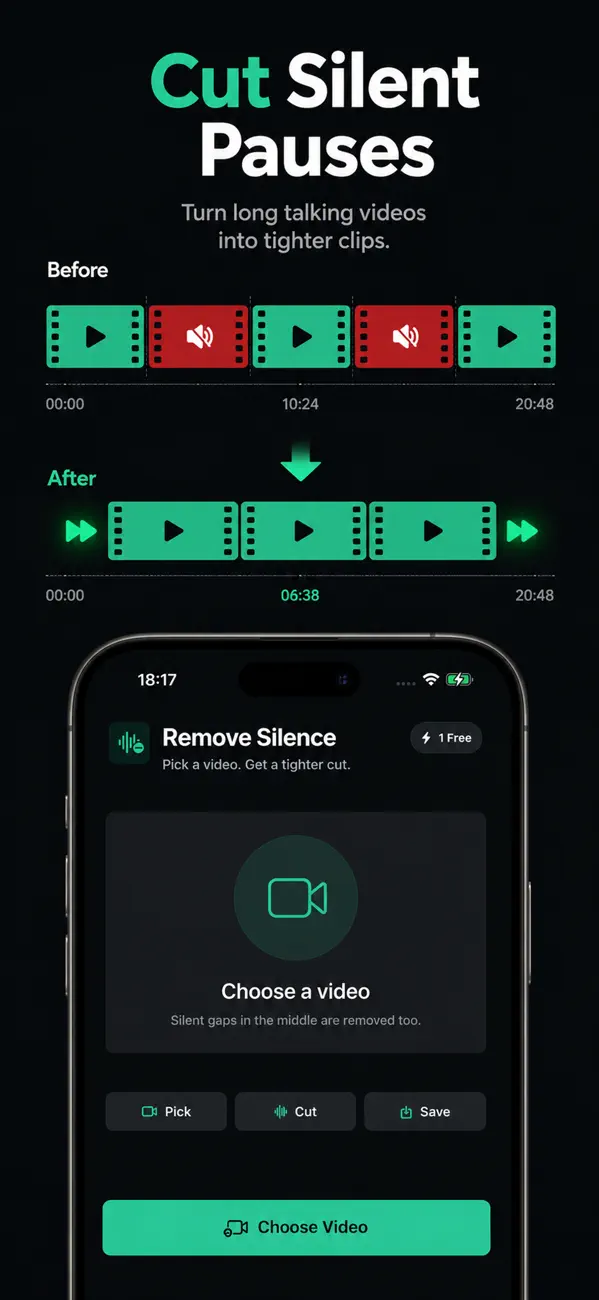
  • Cut silent pauses
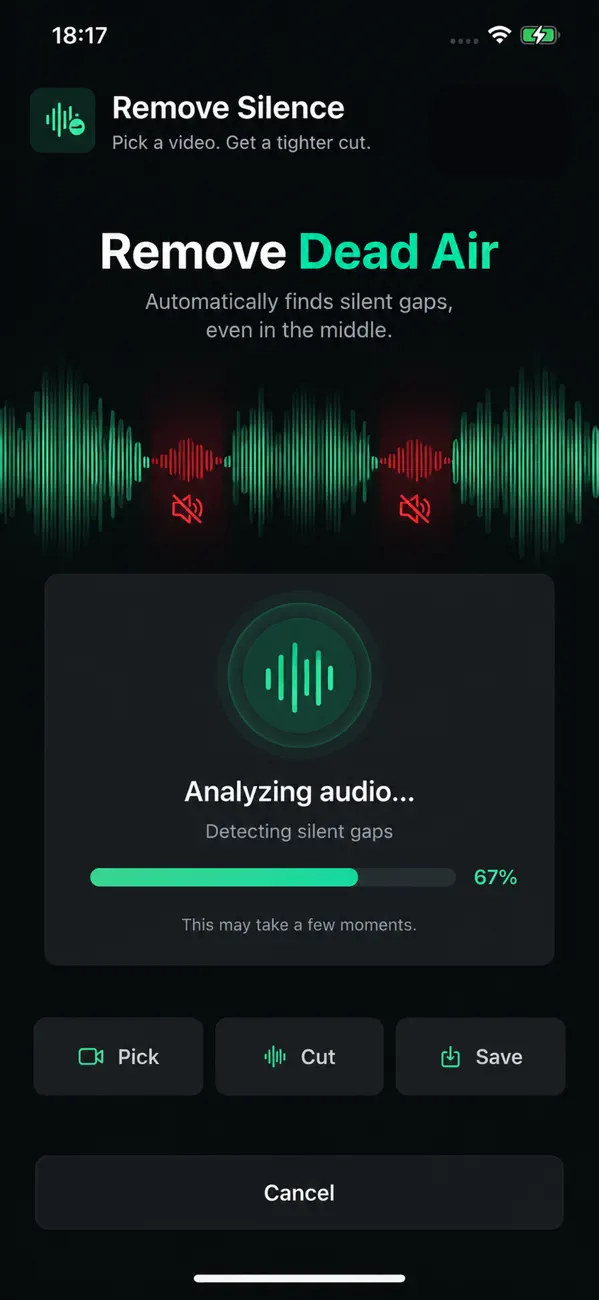
  • Remove dead air
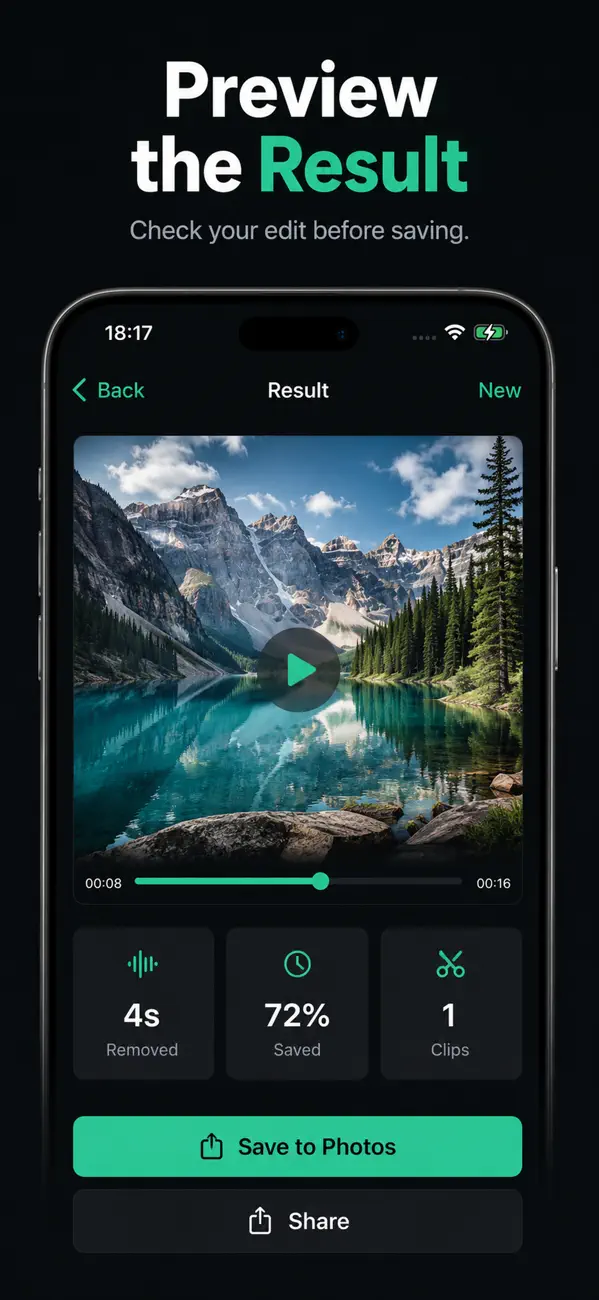
  • Preview before saving
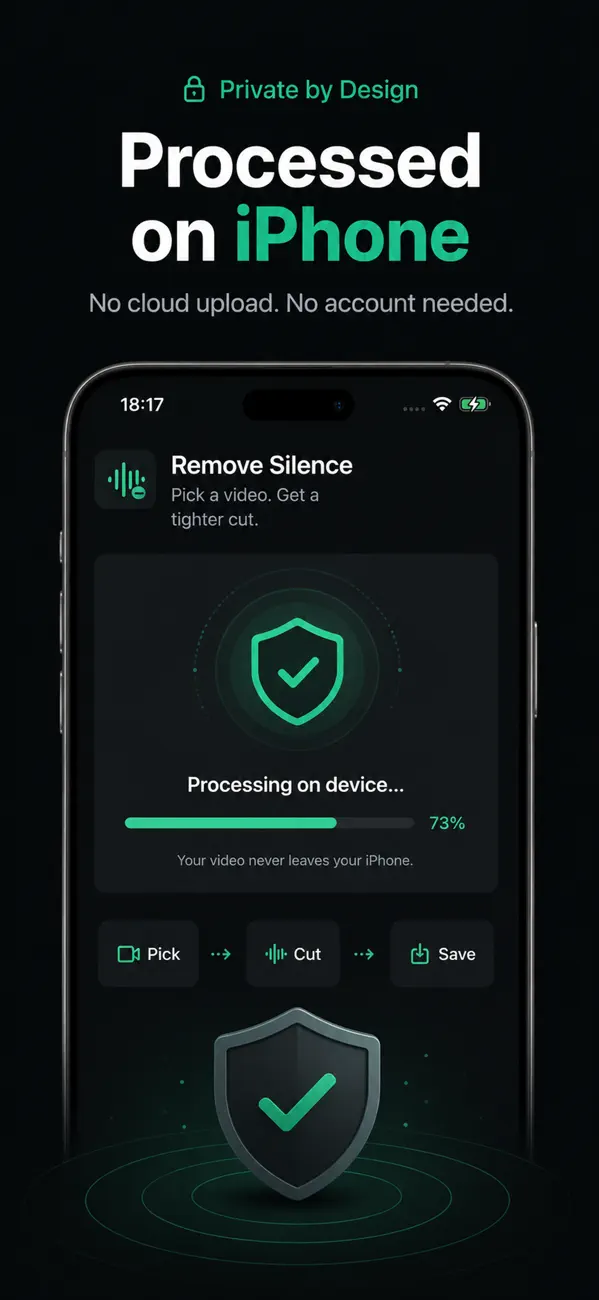
  • Processed on iPhone

Designed for short-form cleanup

The app solves a narrow editing task: cut silence from a clip, keep the workflow local, and get to a shareable result quickly.

Trim silent pauses fast

Focus on the dead-air cleanup step instead of a full desktop timeline workflow.

Preview the shorter result

Review the processed clip before deciding whether to save or share it.

Save or share on iPhone

Move directly from processing to export through Photos or the iOS share sheet.

Keep processing local

The legal pages describe a local-first flow without a developer-operated backend for video processing.

Current App Store screenshots

The listing itself already communicates the product flow clearly, so this page keeps those same visual claims intact.

Where this page can win search traffic

The user intent is unusually explicit here. People search for how to remove silence, trim pauses, or cut dead air. The product and screenshots speak directly to that task.

Strong search matches

  • Remove silence from video on iPhone
  • Cut pauses from talking videos
  • Trim dead air before sharing a clip

Workflow expectations

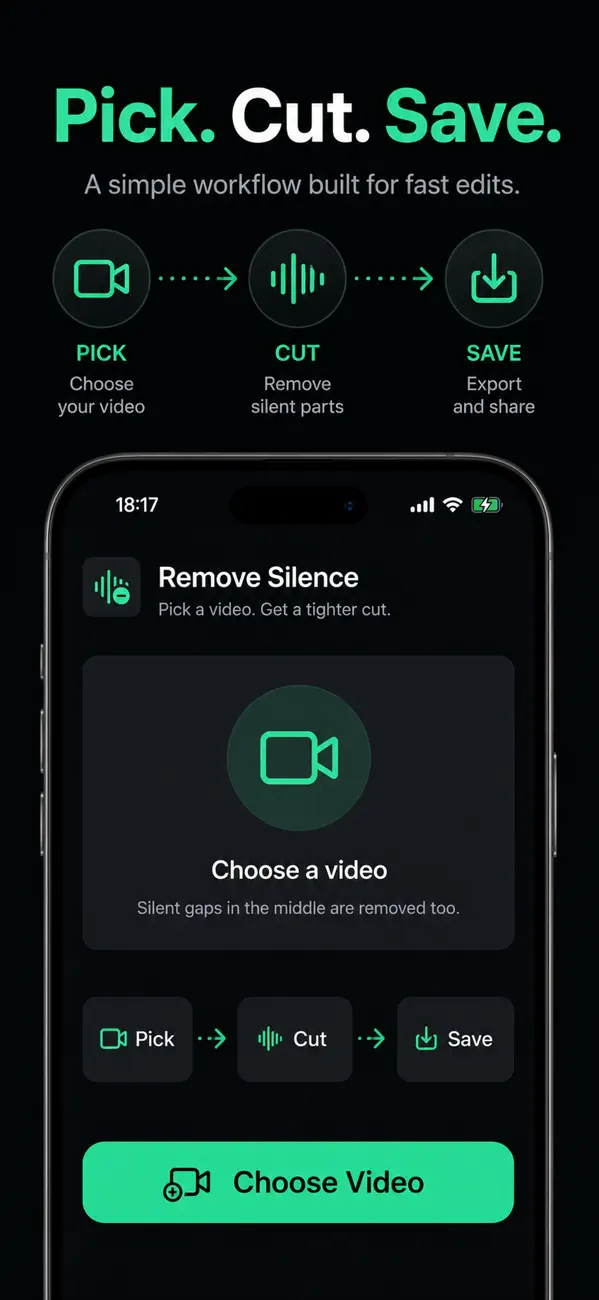
  • Import a video from Photos or compatible iOS flow
  • Process the clip and preview the result
  • Save or share once the shorter cut is ready

Common questions

Does this remove all pauses automatically?

The app is presented as a silence-removal tool. The exact cut behavior depends on the current app implementation and settings in the live product.

Do videos upload to your servers?

The current public legal pages describe a local-first flow without a developer-operated video processing backend.

Who is this best for?

It fits creators, tutorial makers, or anyone who needs to shorten speaking clips by removing dead air quickly on iPhone.