ly-helloworld App Pages

App Store Companion Page
Body Progress Photo Tracker app icon

Body Progress Photo Tracker

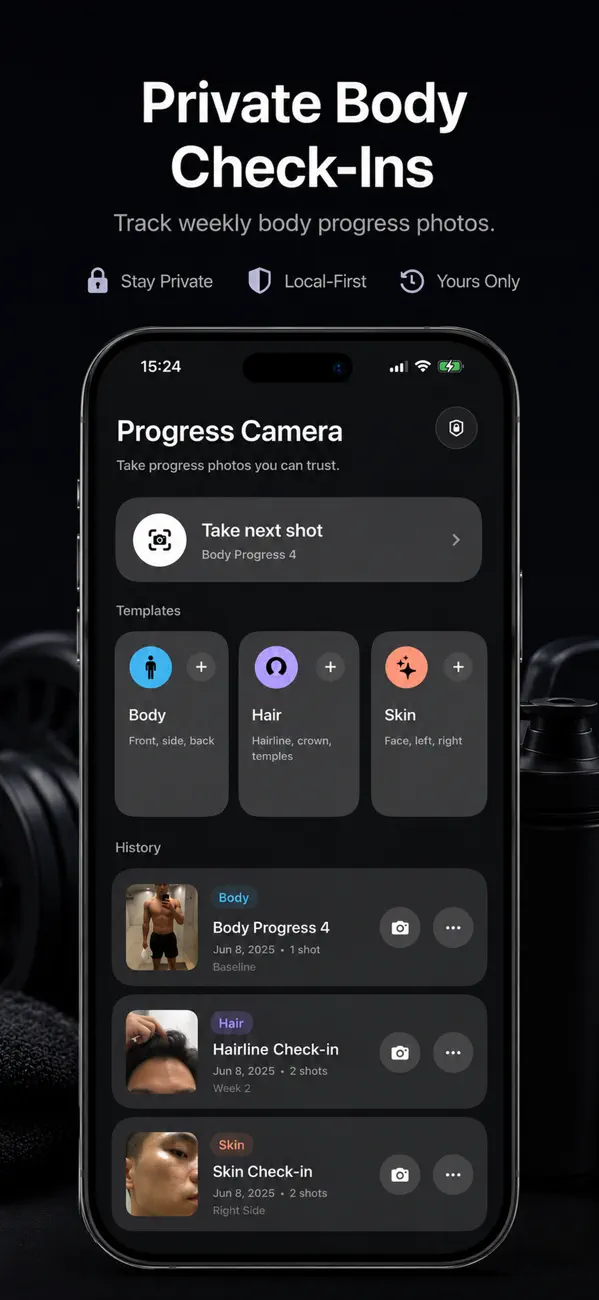
Keep private body check-ins on your iPhone, line up the same pose over time, and compare progress without sending photos to a cloud workflow.

  • Private body check-ins
  • Same pose alignment
  • Before and after compare
  • Face ID lock

Built for repeatable progress photos

The product direction is clear: keep progress photos private, help the user line up consistent framing, and make comparisons easier over time.

Private body check-ins

Store progress photos locally in the app so check-ins stay on the device unless you explicitly export them.

Line up the same pose

Use alignment cues and consistency checks so each follow-up photo is easier to compare against the last one.

Compare week by week

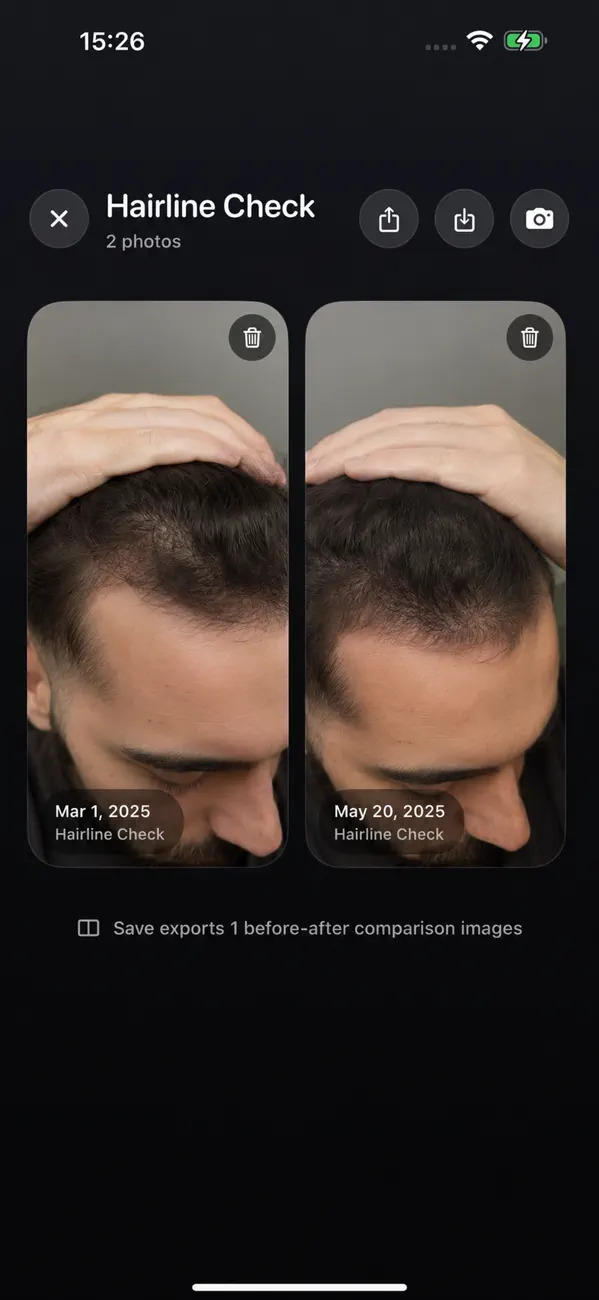
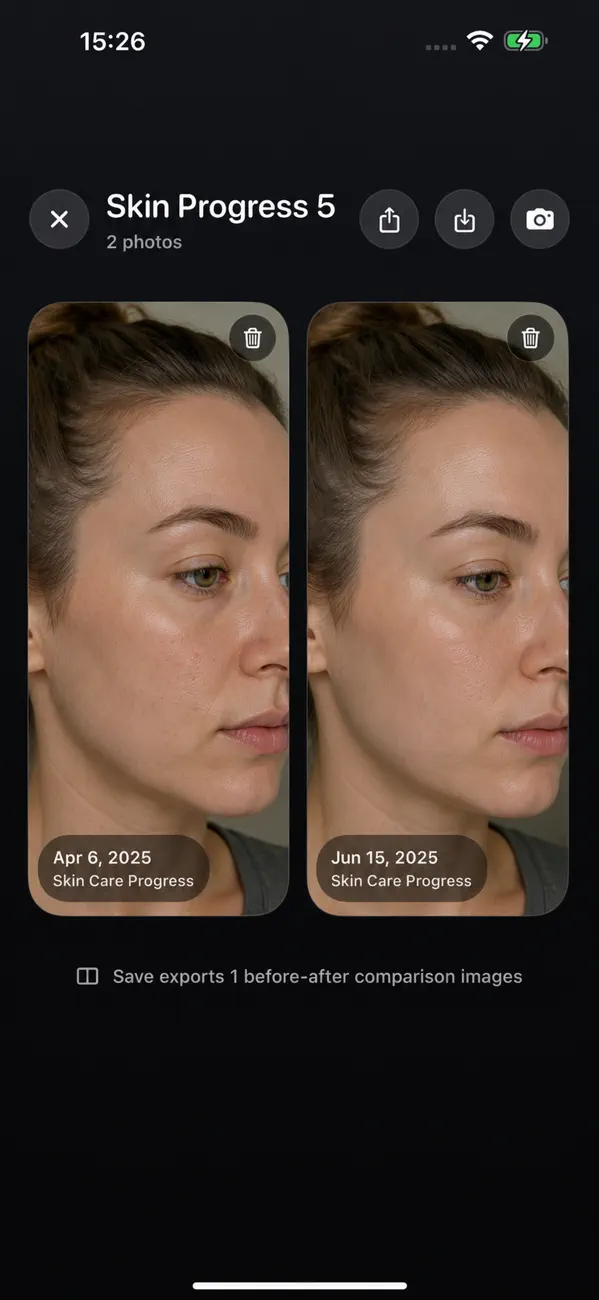
Review changes across body, hairline, skin, or other personal progress projects without mixing photos into general albums.

Lock it on your iPhone

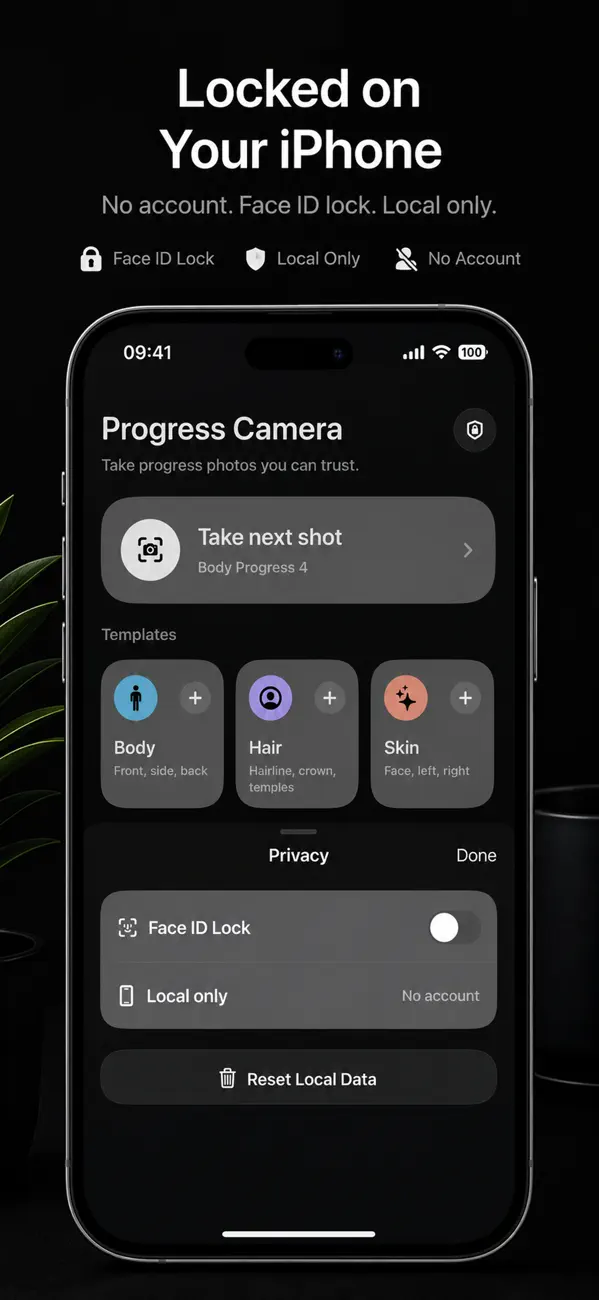
Optional Face ID protection keeps sensitive progress images behind device-level authentication.

Current App Store screenshots

These screenshots come from the live App Store listing and show the use cases the product is currently optimized for.

Best-fit searches and use cases

This page targets private progress-photo intent rather than general cloud albums or social sharing. The app is best matched to repeatable before-and-after capture.

Typical use cases

  • Body transformation and fitness photo tracking
  • Hairline, skin, or treatment progress check-ins
  • Private before-and-after archives on one iPhone

Privacy model

  • Local-first storage for progress photos and project data
  • No required account or developer-run photo backend
  • Export only when the user explicitly chooses to save or share

Common questions

Is this only for fitness photos?

No. The same check-in workflow can work for hairline, skin, treatment, and other private visual progress tracking.

Does it upload my progress photos?

The current app is described as local-first. Photos stay on-device unless you explicitly export or share them.

What makes it different from a normal album?

The app is built around consistent framing, repeated check-ins, and side-by-side progress review rather than general photo storage.