Choose one photo
Start from your library or camera and keep the task focused on the image you want to fix.
ClearPix repairs soft photos and low-light grain on your iPhone. Compare before and after, then save the version that looks ready.
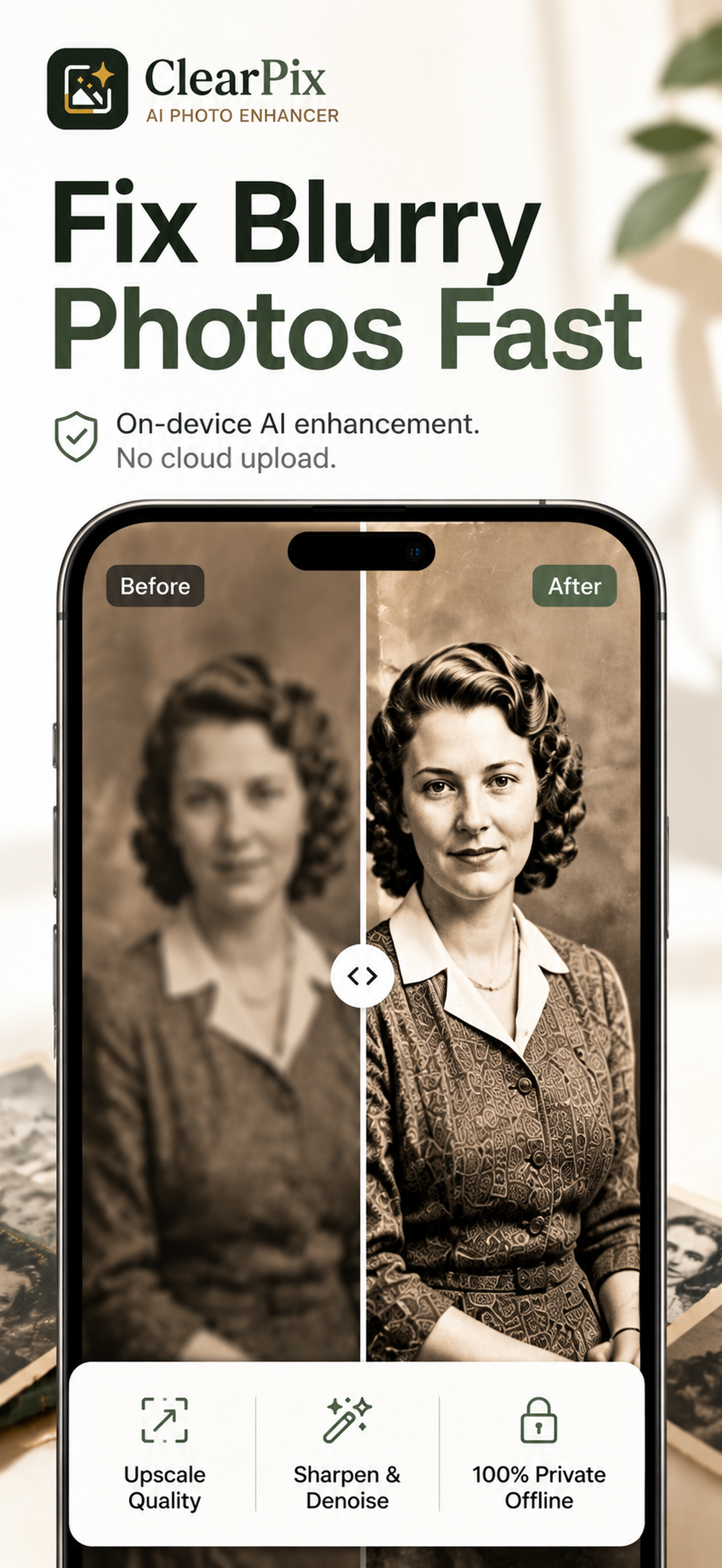


ClearPix keeps the path short for people who just want a cleaner photo: pick one image, repair the detail, review the result, and save it.
Start from your library or camera and keep the task focused on the image you want to fix.
Use a light, standard, or stronger pass for blur, grain, and lost detail.
Compare before and after, then save the cleaner export when it looks right.
ClearPix works best when the user arrives with a specific photo problem, not when they need a full editing suite.
Recover clearer edges before sharing or archiving the image.
Reduce visible grain and make dark pictures easier to keep.
Sharpen low-detail files so they are easier to read and reuse.
ClearPix has a focused path for common questions - from a blurry snapshot to an old family photo you want to keep recognizable.
Sharpen soft faces and details, then compare before saving.
Improve faded, scratched, and low-resolution memories without losing sight of the original.
Learn how on-device processing works and why photos do not need a cloud upload.
See the current one-time lifetime Pro option and the focused repair workflow.

Install the current iOS app and repair photos directly on your iPhone.