 ClearPix
A print has become a soft digital copy
Photograph or scan the print in even light, then enhance visible detail in ClearPix.
An old print in a drawer. A family picture copied from phone to phone. The people matter more than the image quality. ClearPix helps improve soft detail in old photos, so those memories are easier to look at and pass along.
Photograph or scan the print in even light, then enhance visible detail in ClearPix.
A low-quality file may still hold a favourite expression. Give the best copy you can find a clearer second look.
Save an enhanced copy beside the original, ready for a message, a shared album, or a conversation about the people in it.
Enhance a scan or a photo of a family print on your iPhone. Bring more clarity to familiar faces, compare with the original, and save a copy to share with the people who remember.
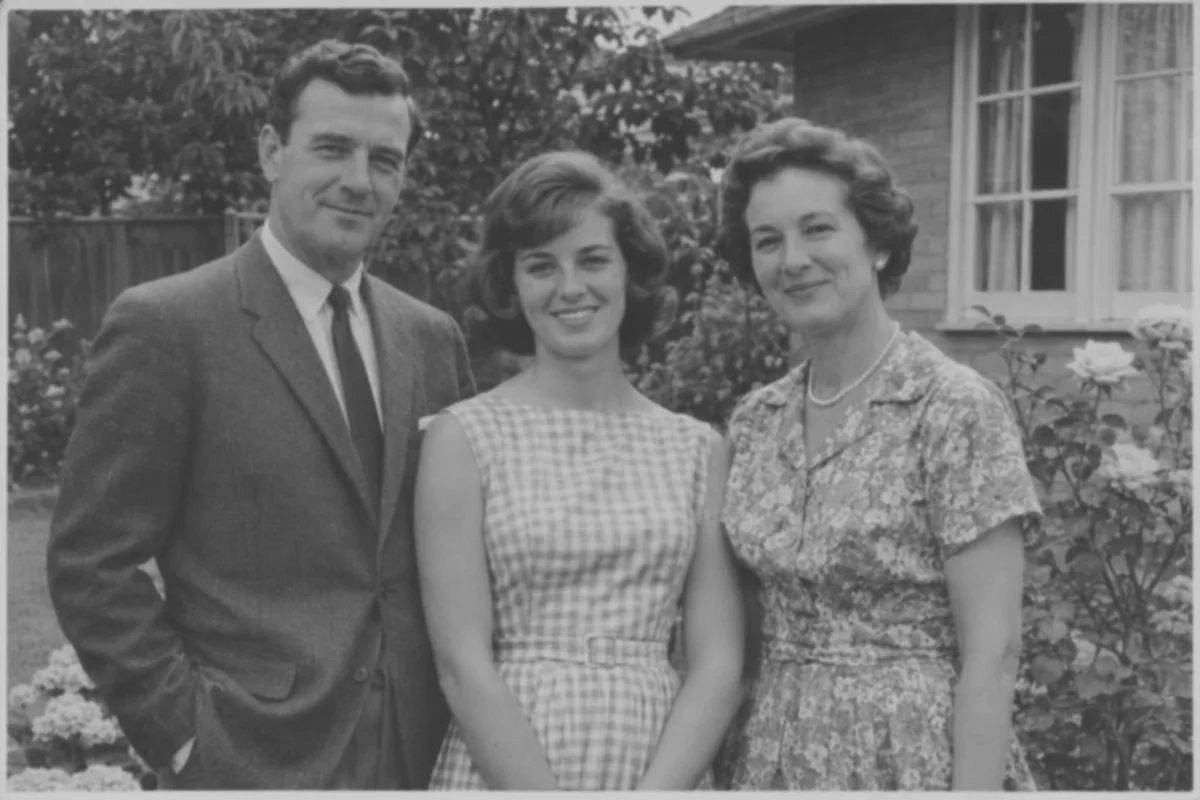
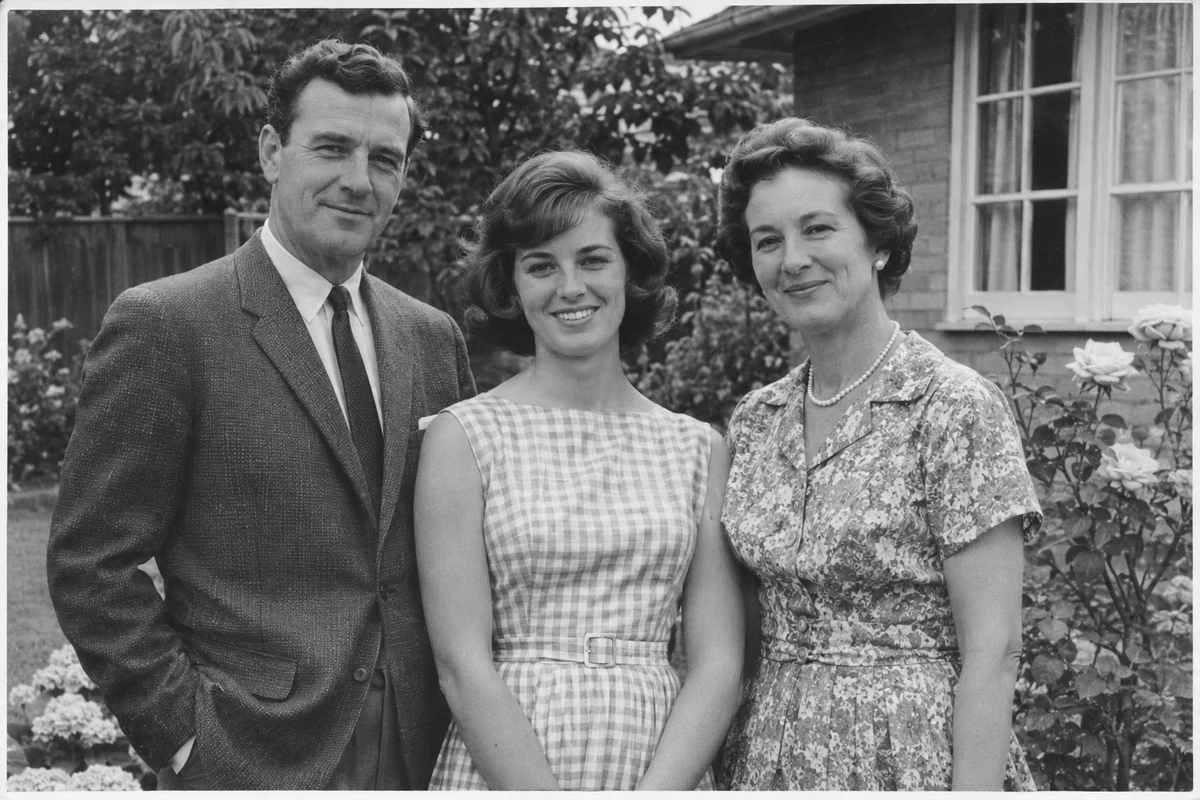
AI-generated illustration with simulated blur, grain, or softness.
Try your own photo in ClearPixScan the print or photograph it straight-on in even light, then open the copy in ClearPix.
Try AI Enhance for softness or Light for grain. Compare the faces you know.
Save the enhanced copy and keep the original with your family archive.
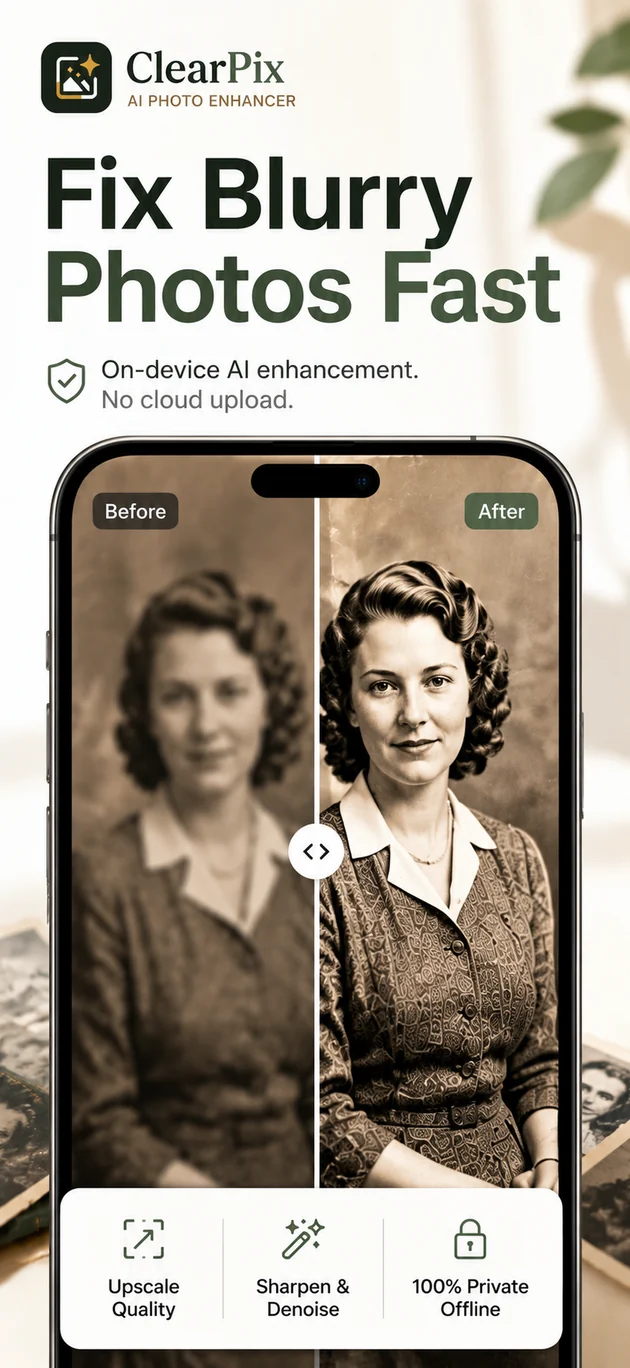
Bring clearer edges and more visible detail to old scans and saved family pictures. Enhance a single favourite or use Pro to work through a small collection.
Scan it or photograph it straight-on in even light. Open that digital copy in ClearPix and enhance the visible detail.
Compare the faces, expressions, and small details that make the people familiar to you.
Batch enhancement lets you process up to five similar photos in a queue with Pro.
Yes. Retain your scan and save an enhanced copy for sharing or adding to your family album.
Bring the people in the picture a little closer, then share the memory with someone who knows the story.
Download on the App StoreBy the ClearPix team · Contact support