ly-helloworld App Pages

App Store Companion Page

Watermark Remover: Eraser AI app icon

Watermark Remover: Eraser AI

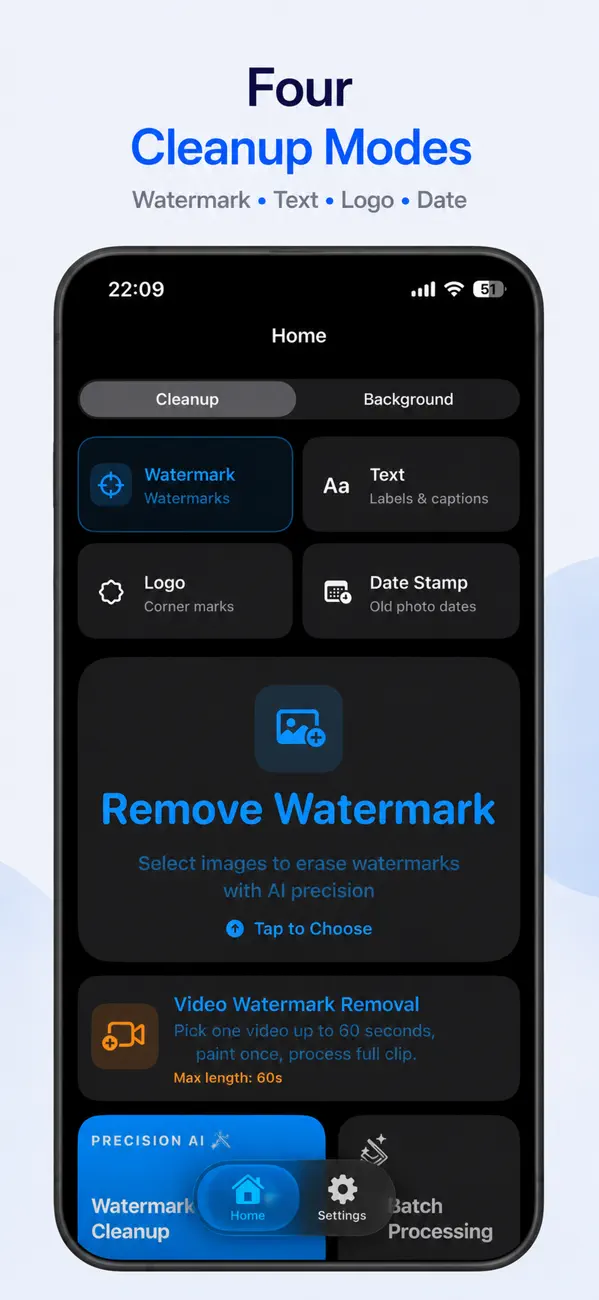
Erase watermarks, text, logos, corner marks, and date stamps from photos on iPhone with a local editing workflow designed for quick cleanup.

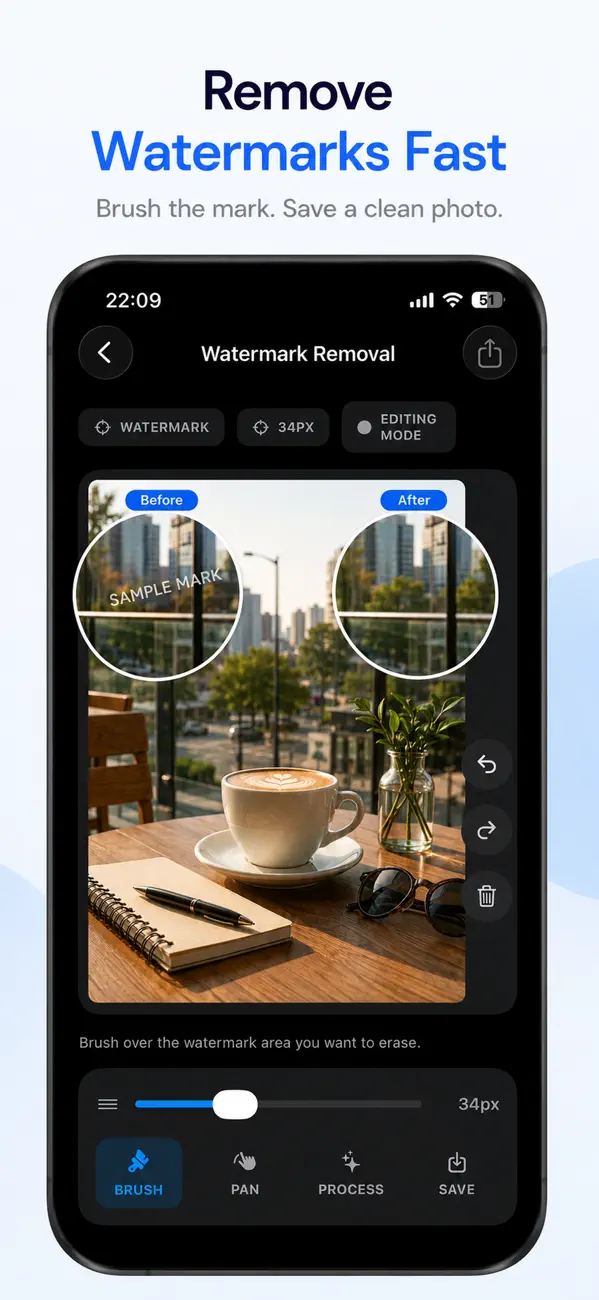
  • Remove watermarks fast
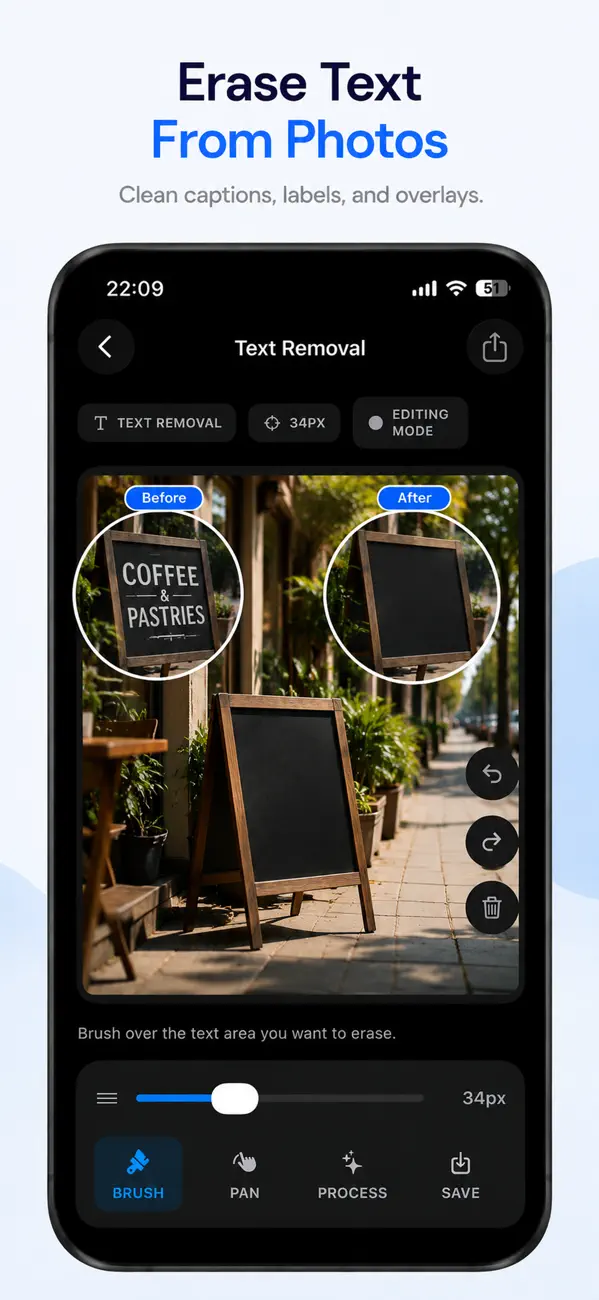
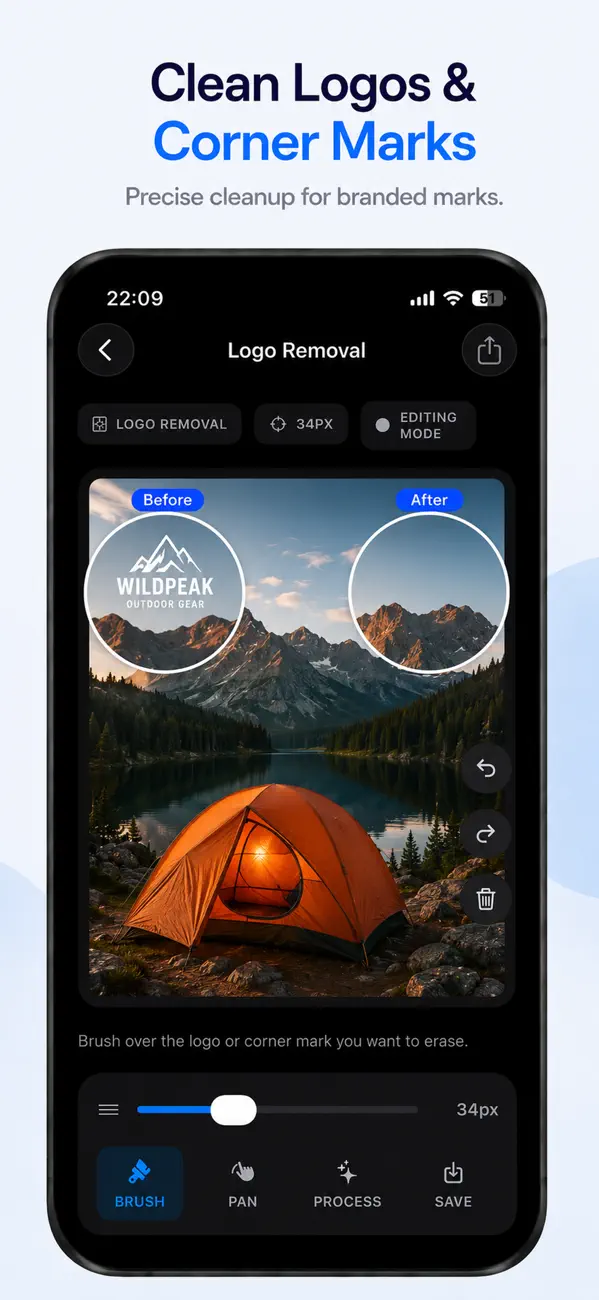
  • Erase text and logos
  • Remove date stamps
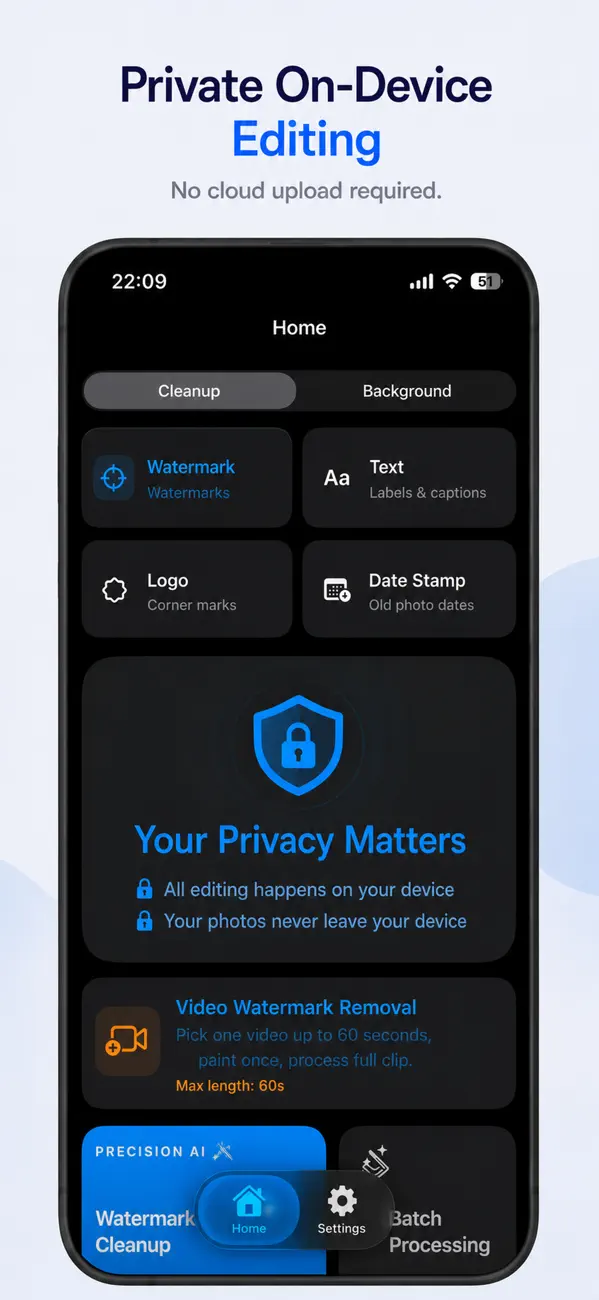
  • On-device editing

What the app is trying to solve

The product is positioned around one clear use case: clean distracting overlays from a photo without pushing the user into a heavyweight editing suite.

Remove watermarks fast

Focus on quick cleanup for common overlays instead of broad photo retouching complexity.

Erase text and logos

Target common image clutter like labels, logos, corner marks, and visible text blocks.

Handle date stamps and similar marks

Date stamps and other small overlays are highlighted directly in the public App Store screenshots.

Keep editing on-device

The legal pages describe a local processing model for core photo editing rather than a backend upload flow.

Current App Store screenshots

The gallery below stays aligned with the official listing so the public web page and App Store presentation match.

iPhone cleanup guides

Start with the visible mark in your own photo, then follow the focused guide for that task.

Common questions

Does it only remove watermarks?

No. The current public App Store screenshots also position it for removing text, logos, corner marks, and date stamps.

Is editing done on-device?

The public legal pages describe an on-device model for the core editing flow rather than a required backend upload process.

Who is it useful for?

It fits people cleaning screenshots, product photos, reused graphics, and casual images that have distracting overlays.