 BeadCraft
Choose the bead brand first
BeadCraft includes Perler, Hama Midi, Nabbi Nano, and Artkal S 5mm palettes. Similar-looking colors can use different codes and cover different ranges, so generate the pattern for the beads you will actually use.
Match it against the code printed on your bag or the manufacturer's current chart instead of relying on screen color alone.
Build a useful material list
- Lock the palette. Avoid mixing codes from different brands in one shopping list.
- Review the color limit. Too many near-duplicates can create several bags needed for only a few beads.
- Check each quantity. Compare required counts with what is already in your bead storage.
- Check the total and board count. Understand the full project size before committing materials and time.
Tell white beads from empty cells
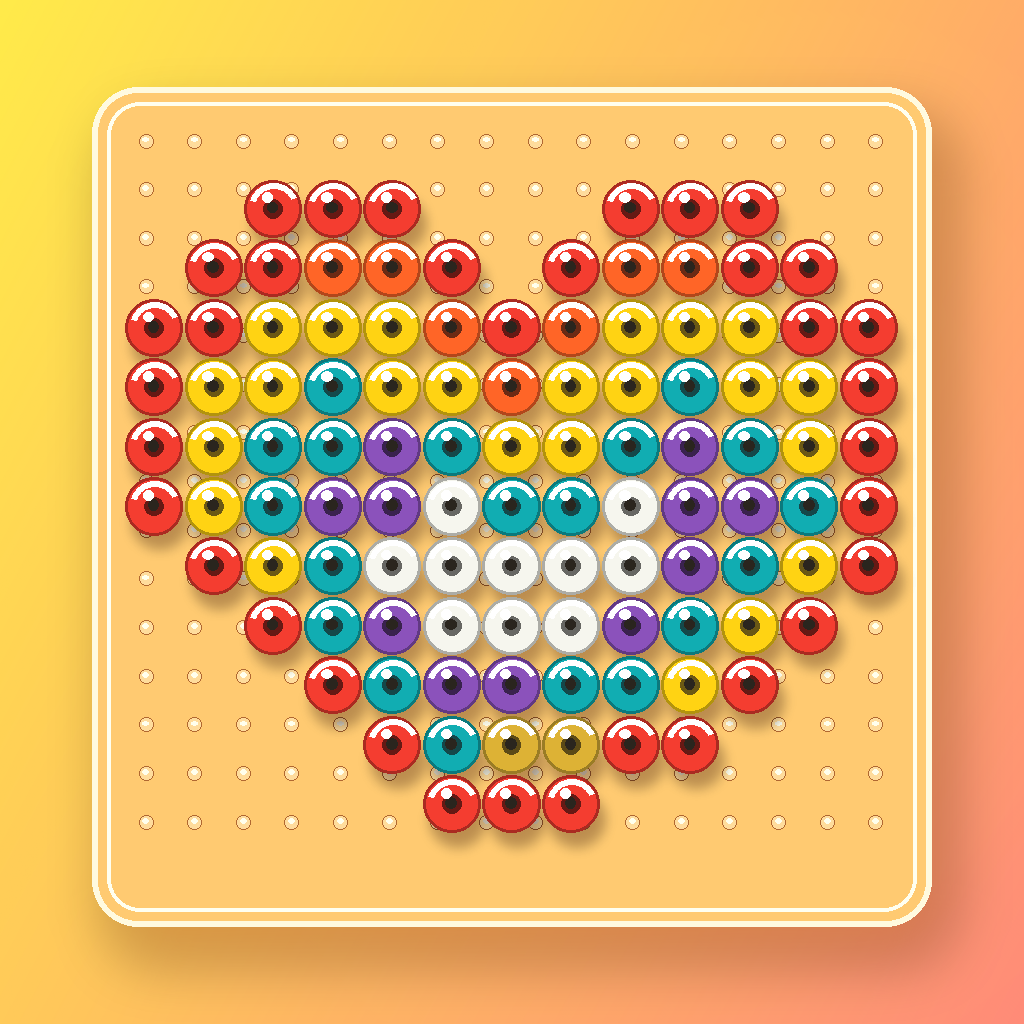
For an image with transparency, transparent pixels become cells where no bead is placed. White beads remain materials with a color code and are included in the count. Use code labels or the PDF list when white is difficult to distinguish from the empty background.
Why screens and physical beads differ
Display brightness, room lighting, and physical finishes all affect appearance. BeadCraft chooses nearby colors from stored RGB values, but a flat display cannot fully reproduce transparent, glow, pearl, metallic, or other material effects.
Frequently asked questions
When are quantities calculated?
After the pattern is generated, you can review usage by color and the overall total. Making Mode also updates completed and remaining counts.
Does adding colors always make the result better?
It can preserve more shading, but it also adds material types and color changes. Compare a reduced-color version when the pattern contains many isolated speckles.
Can I switch to another brand?
Select the target palette and regenerate the pattern using that manufacturer's available colors. Matching code numbers across brands do not necessarily mean matching colors.