 BeadCraft
Do not navigate the whole pattern at once
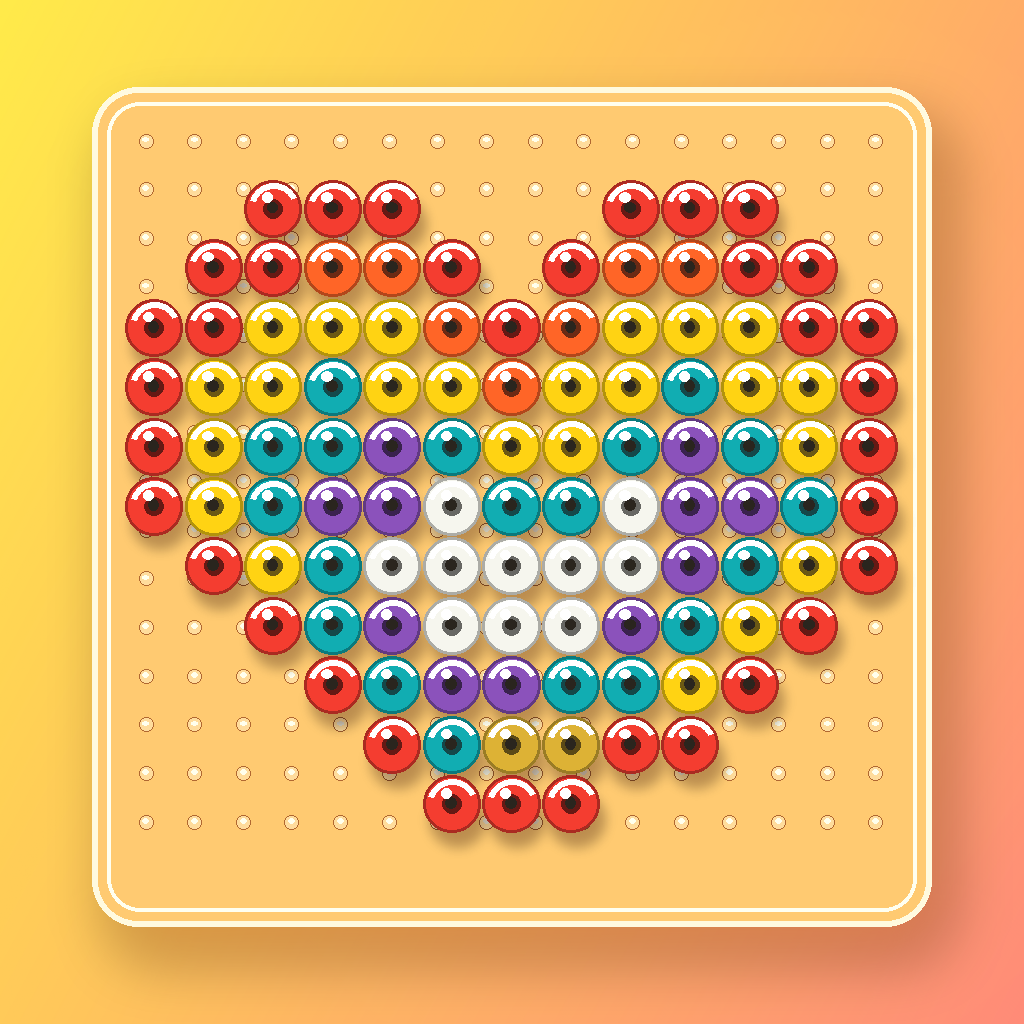
A large pattern can span several boards and many colors. Instead of repeatedly zooming around one full image, reduce the current task to one board and one selected color.
A resumable Making Mode workflow
- Select one board. Confirm its position in the full layout before placing beads.
- Select one color. Work by quantity or move through the list by color code.
- Mark placed cells. Completed and remaining counts update with the board.
- Finish at a clear boundary. Compare the physical board with the screen before moving on.
Before a break
Confirm the current board, selected color, and saved progress. A clear checkpoint prevents unnecessary recounting when you return.
Confirm the current board, selected color, and saved progress. A clear checkpoint prevents unnecessary recounting when you return.
When you mark the wrong cell
Making Mode provides undo. Correct the physical bead first, then make the on-screen completion state match. Do not continue while the board and the tracker disagree.
Use the screen and PDF for different jobs
- Making Mode: update placed cells, remaining quantities, and board progress while working.
- PDF: inspect the full layout on paper, carry a material list, or keep a second reference beside the board.
Frequently asked questions
Should I work by row or by color?
Large solid areas are often easier by color. Detailed photo patterns may be easier in small spatial sections. Use the method that makes comparison with the physical board clearest.
Can progress be kept for multiple boards?
Making Mode lets you move between boards while preserving completion state for the whole saved project.
Can the display stay awake while I work?
Making Mode includes screen-awake handling for active work and restores normal device behavior when the workflow ends.